Sakura Editor practical guide
Sakura Editor character encoding: 7 checks before fixing mojibake
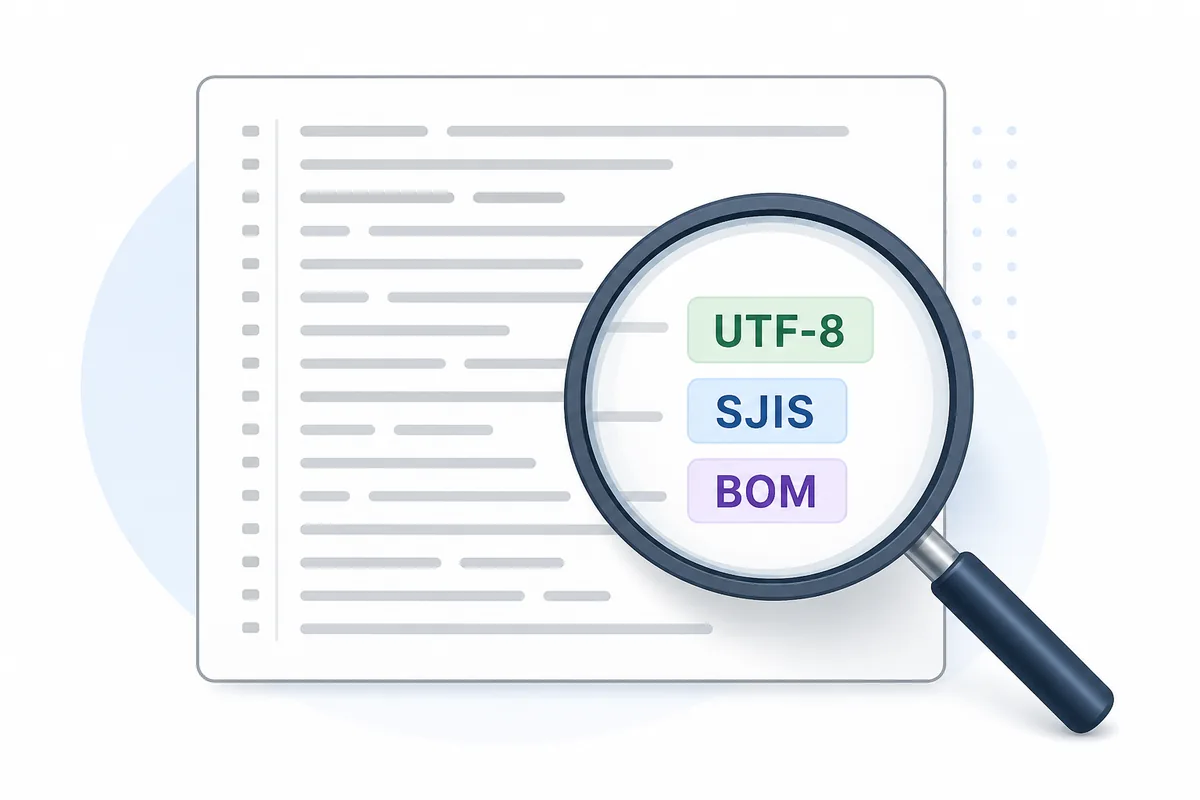
Sakura Editor character encoding is best handled as a controlled file-diagnosis task, not as a quick visual guess. This guide keeps the decision tied to readable text, destination requirements, newline behavior, and a before-save comparison so the final file can be explained later. When a file looks garbled in Sakura Editor, do not overwrite it immediately. Work on a copy, test plausible encodings such as UTF-8, Shift_JIS, and UTF-8 with BOM, then decide how to save after the text reads correctly.
Updated: 2026-07-23
Quick answer: confirm readable text before choosing the save format
Sakura Editor character encoding is best handled as a controlled file-diagnosis task, not as a quick visual guess. This guide keeps the decision tied to readable text, destination requirements, newline behavior, and a before-save comparison so the final file can be explained later. Start with a copy of the file. Try the likely encoding candidates, inspect Japanese text, symbols, delimiters, first and last lines, and compare the result before saving. Newlines and character encoding are related in file work, but they are not the same problem.
| Check | Look for | Risk to avoid |
|---|---|---|
| Display | Japanese, symbols, half-width kana, delimiters | Saving while only part of the file is readable |
| Candidates | UTF-8, Shift_JIS, UTF-8 with BOM | Assuming the first readable view is final |
| Newlines | CRLF, LF, CR as a separate concern | Treating newline conversion as encoding repair |
| Save | Copy, compare, and back up | Overwriting the original file too early |
When encoding checks matter in Sakura Editor
Sakura Editor character encoding is best handled as a controlled file-diagnosis task, not as a quick visual guess. This guide keeps the decision tied to readable text, destination requirements, newline behavior, and a before-save comparison so the final file can be explained later.
Encoding checks matter when Japanese text, symbols, CSV headers, comments, or old configuration files look wrong. A file may also look normal on one PC and garbled on another because the opening program chose a different decoding rule.
Sakura Editor can handle real files, while browser tools operate on pasted Unicode text. Use this website for comparison, newline cleanup, and small checks after the file is readable; use Sakura Editor or official guidance for the actual file encoding decision.
A safe workflow before repairing mojibake
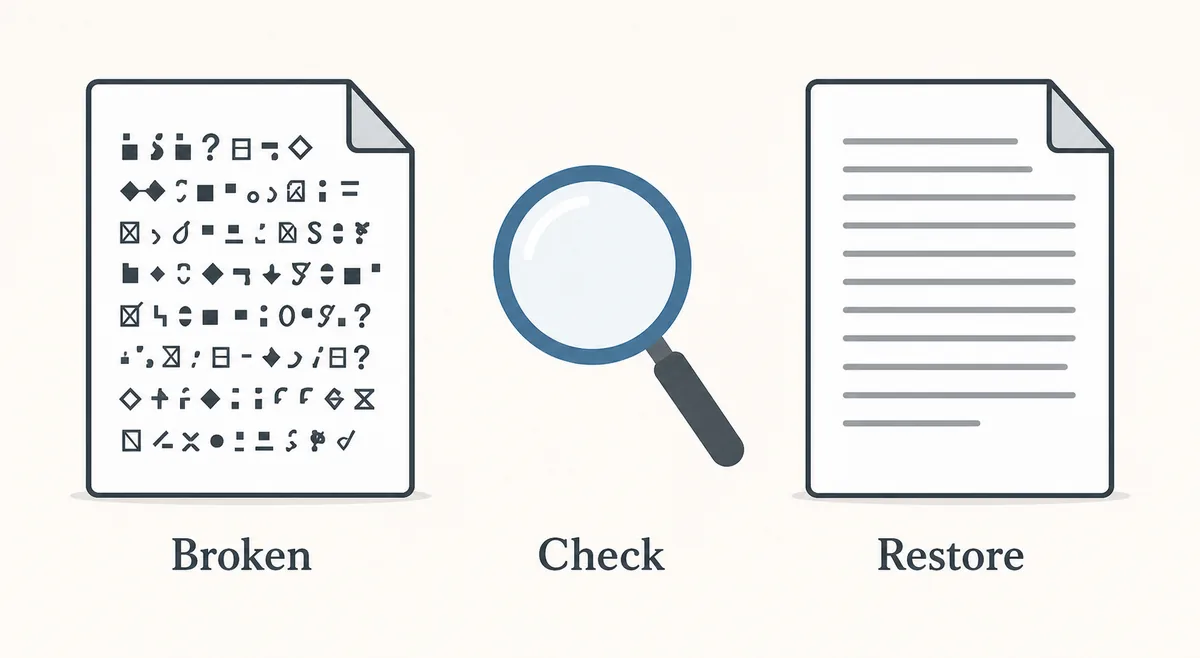
The first rule is simple: do not save a garbled view over the original. Make a copy and keep the source untouched so you can compare or recover if the wrong encoding was chosen.
Switch likely candidates one by one. Inspect normal Japanese, punctuation, delimiters, headings, empty lines, and the final line. A view that is mostly readable but breaks symbols or kana may still be wrong.
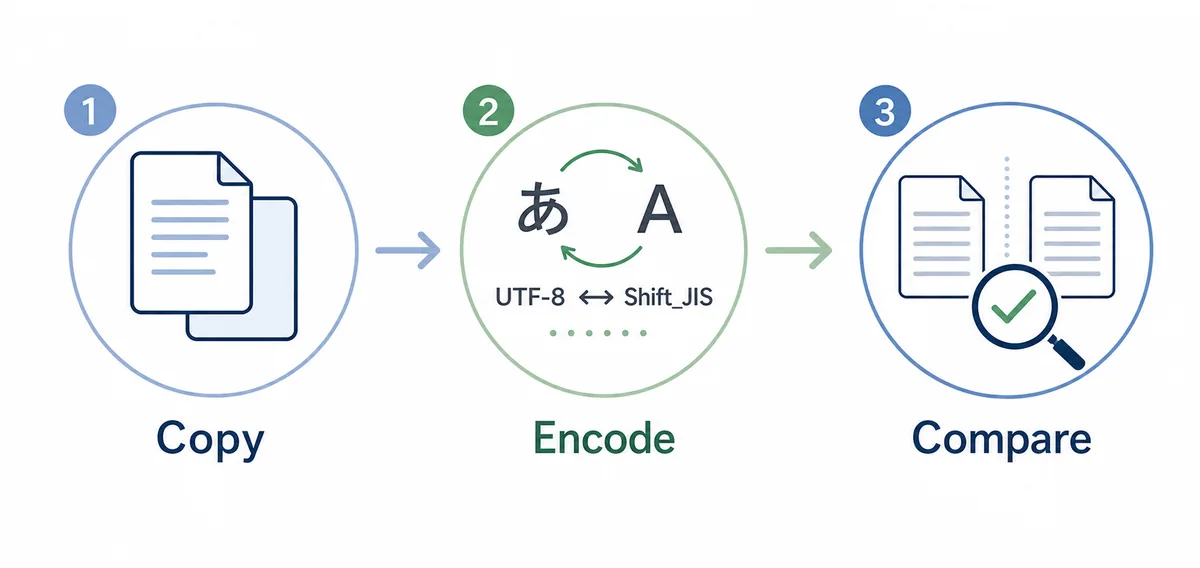
- Make a copyKeep the original file untouched and test only a working copy.
- Switch candidatesCheck UTF-8, Shift_JIS, and UTF-8 with BOM one by one.
- Read representative linesInspect Japanese text, symbols, delimiters, empty lines, and the final line.
- Compare before savingCompare the restored text with the source or expected output.
UTF-8, Shift_JIS, and BOM in practical work
UTF-8 is common for web, current configuration files, and multilingual text. Shift_JIS still appears in legacy Windows files, older CSV exports, and internal tools. The correct answer depends on the producing and consuming application.
A BOM is a marker at the beginning of some UTF-8 files. It helps certain tools detect UTF-8, but it can also become an unwanted leading character in scripts or data pipelines.
| Candidate | Best fit | Before-save check |
|---|---|---|
| UTF-8 | Web, modern configuration, multilingual text | Confirm whether the destination expects no BOM. |
| Shift_JIS | Legacy Windows files, existing CSV, internal tools | Check kana, symbols, and machine-dependent characters. |
| UTF-8 with BOM | Some spreadsheet or Windows-oriented workflows | Do not pass it to processors that reject BOM. |
Separate newlines from encoding
Mojibake and newline problems may appear together, but they are different. Encoding decides which characters the bytes represent. Newline style decides how rows are separated.
If a CSV has garbled headers and collapsed lines, fix the readable encoding first and then inspect CRLF or LF. Changing both at once makes the cause harder to explain.
Before-save checklist
Before saving, verify more than readability. Check the first row, last row, delimiters, quotes, full-width spaces, tabs, empty rows, and whether the destination program still accepts the file.
For shared files, record the final choice: for example, saved as UTF-8 without BOM, or converted from Shift_JIS because the destination system requires UTF-8.
Common mistakes to avoid
Common mistakes include saving a garbled view, ignoring BOM, confusing newline conversion with encoding conversion, and expanding grep before the file can be read reliably.
Decide the encoding on one representative file first. Then use search, diff, or grep tools to broaden the work only after the readable format is clear.
Frequently asked questions
Frequently asked questions
Can I check encoding in Sakura Editor without saving?
Sakura Editor character encoding is best handled as a controlled file-diagnosis task, not as a quick visual guess. This guide keeps the decision tied to readable text, destination requirements, newline behavior, and a before-save comparison so the final file can be explained later. Yes. Open or reopen a copy first, inspect candidate encodings, and save only after the text is readable and the destination format is clear.
Should I use UTF-8 or Shift_JIS?
Use the format required by the source and destination. Modern web and config files often use UTF-8, while older Windows workflows and legacy CSV files may still expect Shift_JIS.
Is UTF-8 with BOM always safer?
No. Some Windows-oriented tools expect it, but other processors treat the BOM as an unwanted leading character.
Are mojibake and newline problems the same?
No. Mojibake points to character decoding; broken line breaks point to CRLF, LF, or CR handling.
Can this website convert original file encoding?
No. Browser-pasted text is already Unicode. Use Sakura Editor or a dedicated tool for true file encoding conversion.